
View Full Submission View Parent Comment
11:28 PM, Saturday April 15th 2023

I didn't expect such detailed response to be honest lol, this is incredible, while it definitely clarified some of my questions, i think one of my biggest problems is knowing where to start, i know that Drawabox has that imgur gallery with ortographic plans but i don't know if im dumb, i just don't know how to start an object on my own, for example, how do i determine how to approach or subdivide an object? how do i know if i have to divide it into thirds or fifths, that kind of decisition making is what i have most trouble with.

I'm considering doing a live demo of an object and a vehicle to make the process clear so let me know if you prefer that over the pictures.

I think that would be greatly appreciated not only by me but by everyone who is struggling to understand this lesson (as i don't think where going to see any overhaul for this lesson anytime soon), maybe a "simple" object like that usb to understand better the process would be helpful.

Also i just want to say that you are doing god's work here man giving feedback to users even when you already completed DaB, big props to you.
3:44 PM, Sunday April 16th 2023

Thanks!

As for knowing where to start, it all comes down to your judgment and how precise you want to be. Like in the usb plans I quickly did, both are valid approaches to starting an object with one being more precise. Essentially you decide whether you should divide it into 3rds or 5ths, you determine how to approach it, the orthographic plans allow you to make decisions for where you want everything to go before you construct the object. If it's still confusing I just made a video demo for a fairly simple object here which I haven't edited at all except for text on the screen explaining the process. The video just shows how I would go about constructing an object for lesson 6 which may or may not clear up any confusion you had.

If it didn't feel free to ask if you still are confused.

2:16 AM, Monday April 17th 2023

Wow very Interesting, i think im finally starting to understand now, so basically i can for example subdivide based on the most important landmark or part of the object and work my way from there right?

and if for example an object doesn't quite match subdividing by 1/3 or 1/4 i can always decide wether or not i want to be more precise right? i can always find the middle between 1/3 and 1/4 but thats entirely my decision, i could work with 1/4 for example if i feel lazy, right? Interesting, so it does make waaay more sense now.

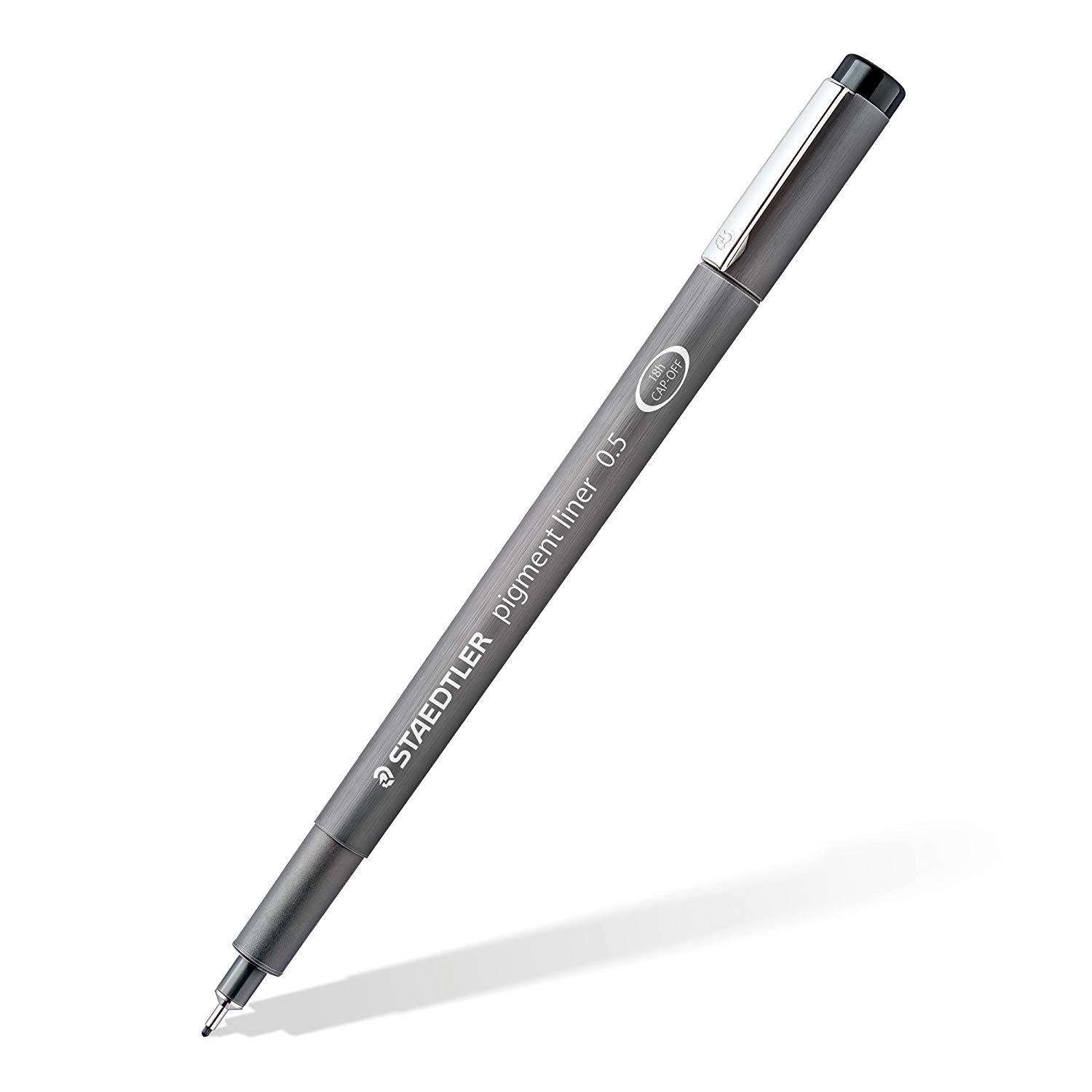
Just one last question since i don't want to ask this in a separate post, since you have already ended DaB when it comes to submitting for official critique does it need to be done in a fineliner? or am i allowed to work with a ballpoint pen for the entirety of my homework?.

I know the lesson 6 page at the beginning says i can work with ballpoint pen but it says you can't switch pens and then at the bottom of the page it says:

"all work should be done in ink ... but you can use ballpoint pens as needed" so.....how exactly am i allowed to use the ballpoint pen..?

If you don't know you can ignore this question thats fine.

Thank you for all the feedback man i really appreciate it! i thought this lesson was going to be impossible.

4:24 AM, Monday April 17th 2023

So with official critique I did all of lesson 6, 7 and the wheel challenge in ballpoint because the line work can be done lighter and thinner. Fineliner can be used but it will most likely make the image unreadable so it's best to not use it. The only place I can recommend you use it in is on the wheel textures for the small cast shadows on the treads. Other than that you don't need to use fine liner.

The recommendation below is an advertisement. Most of the links here are part of Amazon's affiliate program (unless otherwise stated), which helps support this website. It's also more than that - it's a hand-picked recommendation of something we've used ourselves, or know to be of impeccable quality. If you're interested, here is a full list.
Rapid Viz

Rapid Viz

Rapid Viz is a book after mine own heart, and exists very much in the same spirit of the concepts that inspired Drawabox. It's all about getting your ideas down on the page, doing so quickly and clearly, so as to communicate them to others. These skills are not only critical in design, but also in the myriad of technical and STEM fields that can really benefit from having someone who can facilitate getting one person's idea across to another.

Where Drawabox focuses on developing underlying spatial thinking skills to help facilitate that kind of communication, Rapid Viz's quick and dirty approach can help students loosen up and really move past the irrelevant matters of being "perfect" or "correct", and focus instead on getting your ideas from your brain, onto the page, and into someone else's brain as efficiently as possible.

We use cookies in conjunction with Google Analytics to anonymously track how our website is used.

This data is not shared with any other parties or sold to anyone. They are also disabled until consent is provided by clicking the button below, and this consent can be revoked at any time by clicking the "Revoke Analytics Cookie Consent" link in our website footer.

You can read more about what we do with them, read our privacy policy.