


This website uses cookies. You can read more about what we do with them, read our privacy policy.

3 users agree
11:46 AM, Thursday January 11th 2024
Hello azureblades! Here's the critique Like I said on it I want you to do one more page of an insect in a 3/4 view, if you have any doubts please ask and I'll do my best to answer.
Great job so far and good luck!
Next Steps:
1 more page of an insect in a 3/4 view
11:12 PM, Wednesday January 17th 2024
Hello Elodin, thank you for putting the time to review my submission! I've tried putting in your advice to work, particularly the one about intersections and my sausage forms.
9:36 PM, Saturday January 27th 2024
Hello! You did a better job now, the organic forms are looking better and you're drawing intersections, the main only things left is that
-you drew the contour lines not following the perspective of the bug (you did the opposite perspective basically
-and you didn't draw some adittional forms, you only drew the basic forms.
Here's a drawover
I'll mark this as complete and good luck with lesson 5!
Next Steps:
Lesson 5
The recommendation below is an advertisement. Most of the links here are part of Amazon's affiliate program (unless otherwise stated), which helps support this website. It's also more than that - it's a hand-picked recommendation of something I've used myself. If you're interested, here is a full list.
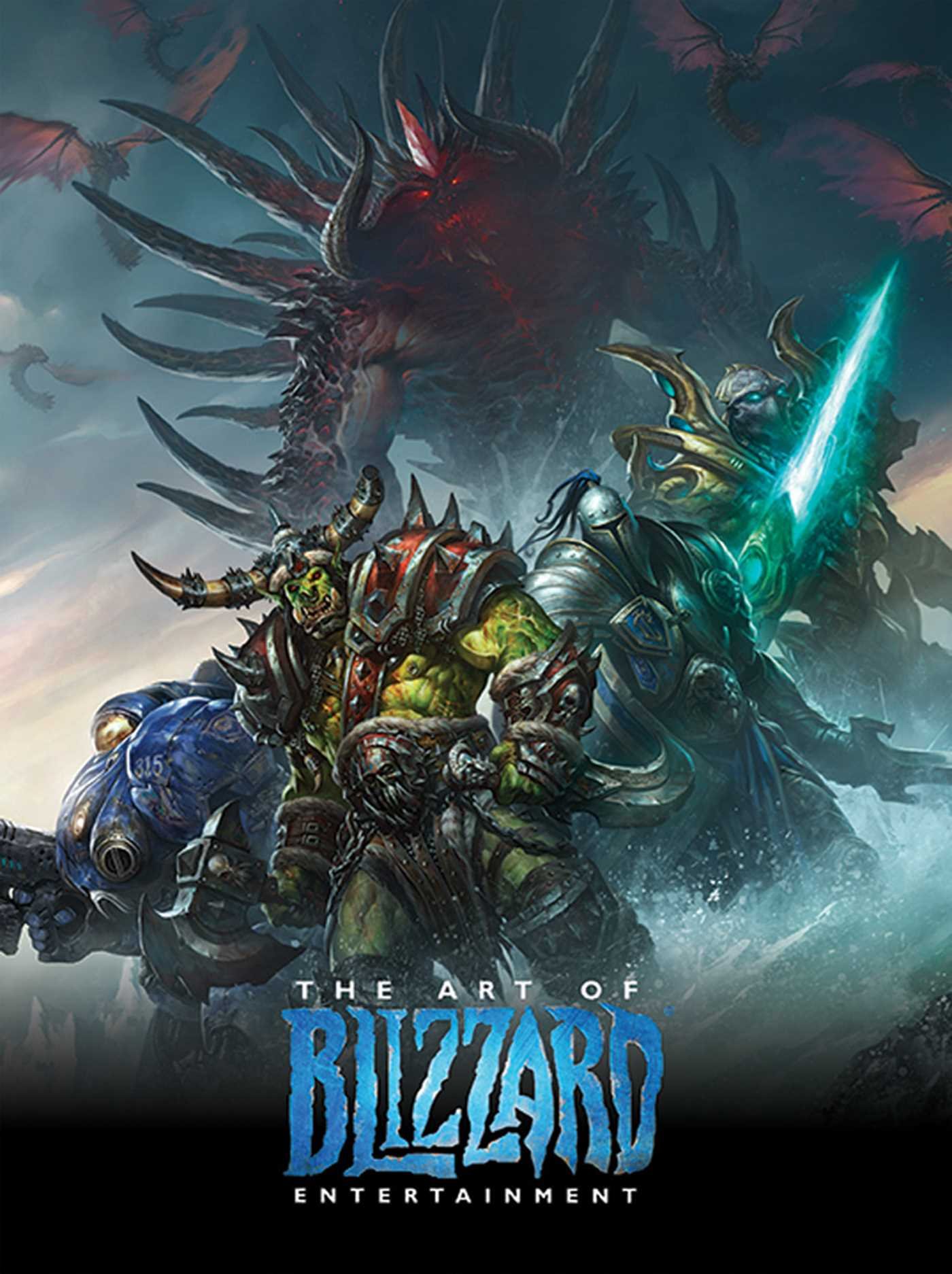
The Art of Blizzard Entertainment
While I have a massive library of non-instructional art books I've collected over the years, there's only a handful that are actually important to me. This is one of them - so much so that I jammed my copy into my overstuffed backpack when flying back from my parents' house just so I could have it at my apartment. My back's been sore for a week.
The reason I hold this book in such high esteem is because of how it puts the relatively new field of game art into perspective, showing how concept art really just started off as crude sketches intended to communicate ideas to storytellers, designers and 3D modelers. How all of this focus on beautiful illustrations is really secondary to the core of a concept artist's job. A real eye-opener.